How to scope a penetration test so the report is worth reading
The difference between a vulnerability scan and a penetration test, why unscoped tests produce useless reports, and what should be in the deliverable before you pay for it.
By Hardik Kamdar
Plenty of organisations have bought a penetration test, received a hundred-page PDF, filed it, and changed nothing. The test satisfied a requirement and produced no security improvement.
That is usually a scoping failure rather than a testing failure, and it is avoidable.
A scan is not a test
The most common substitution is an automated vulnerability scan sold as a penetration test. They are different activities and the distinction matters.
A scanner compares what it finds against a signature database. It is fast, cheap, repeatable, and genuinely useful for known-vulnerability coverage. What it cannot do is reason. It will not notice that your password reset flow lets you specify the target account, because there is no signature for “this business logic is wrong”.
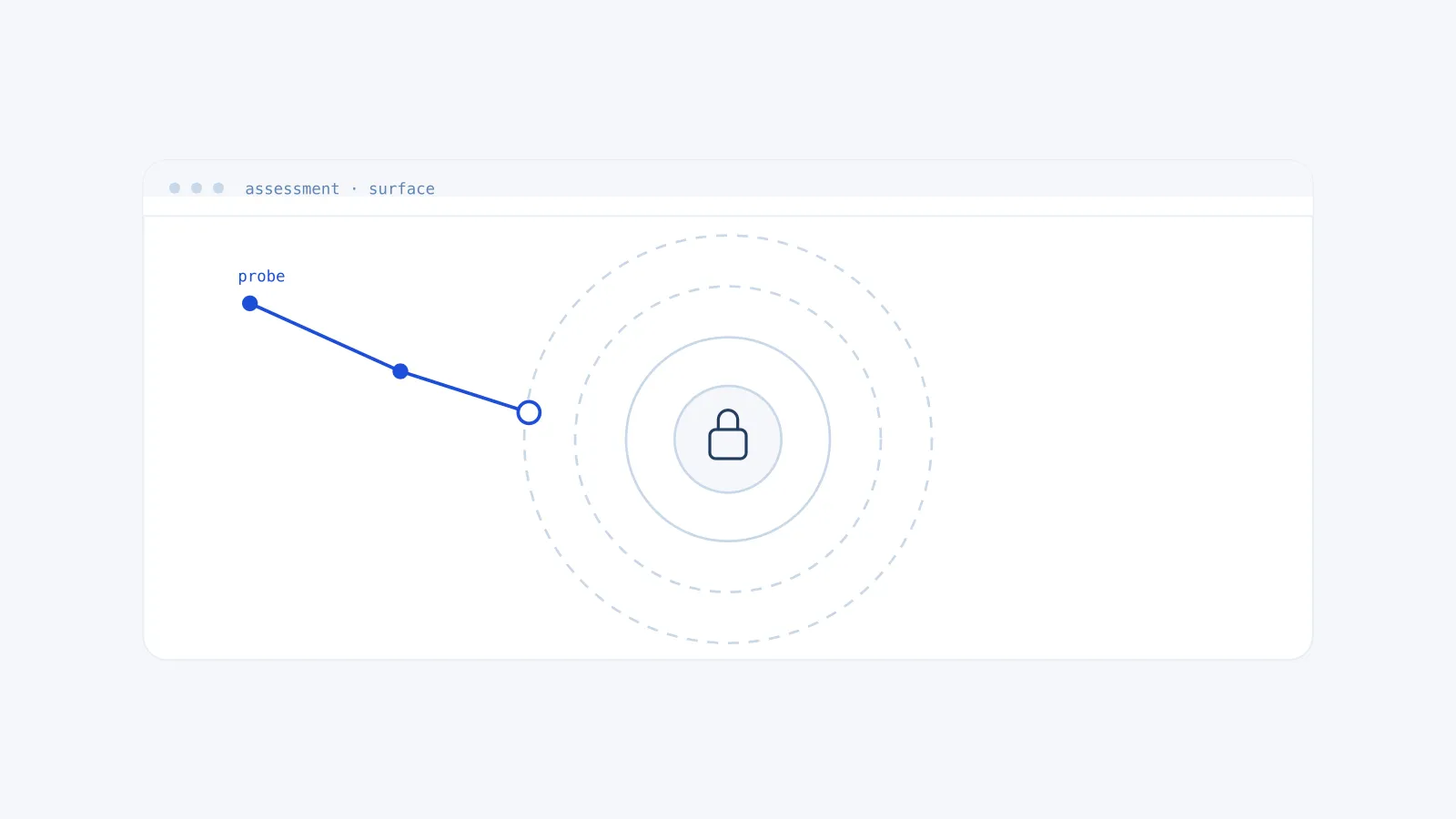
A penetration test involves a human trying to achieve an objective the way an attacker would, chaining findings together. Three low-severity issues that individually look like noise can combine into account takeover. Only a person looking for that will find it.
If a proposal promises a hundred findings, you are likely buying a scan. A real test typically produces a shorter list of things that actually matter.
Say what you are protecting
An unscoped test produces an unfocused report. Before anything starts, the answer to “what would actually hurt” needs to exist.
Customer data being exfiltrated. Funds moving. Production availability. Source code disclosure. Whatever it is for your business, that objective should shape the engagement. A tester who knows the crown jewels can work towards them. A tester who does not will enumerate everything at uniform depth and let you sort out relevance afterwards.
Be equally explicit about what is in and out. Which domains, which API endpoints, which cloud accounts, which environments. Whether social engineering is permitted. Whether denial of service testing is permitted, which it usually should not be against production. Whether third-party services are included, which requires their consent and is often the reason a scope gets trimmed.
Decide how much the tester should know
Black box means no information beyond what is public. It simulates an external attacker with no foothold and answers “what can someone find from outside”. It also means paying skilled people to spend the first part of the engagement discovering things you could have told them in an email.
Grey box means limited access: user-level credentials, perhaps architecture documentation. This is usually the best value. The tester skips reconnaissance and spends the budget on depth, and most real attacks begin with some level of legitimate access anyway.
White box means full access including source code. It finds the most, particularly logic flaws, and it costs the most. Appropriate for a system where compromise is severe.
Teams often pick black box because it feels like a more honest test. It is more realistic in one narrow sense and less efficient in every other. Unless you are specifically testing your external attack surface and detection capability, grey box usually produces more value per pound spent.
Test something that resembles production
Testing a staging environment that differs materially from production produces findings that may not apply and misses ones that do.
If staging has different security group rules, a smaller dataset, debug logging enabled, or a different authentication provider, the results are approximate. Common differences that invalidate findings: staging behind a VPN while production is internet-facing, or a web application firewall present in one and not the other.
Testing production directly makes people nervous, reasonably. The workable compromise is an environment built from the same infrastructure code with the same configuration, differing only in data. If your infrastructure is defined in code this is straightforward. If it is not, that is itself a finding.
What the deliverable must contain
Agree this before work begins.
A working proof of concept per finding. The exact request, the response, reproduction steps. Anything the tester could not demonstrate belongs in a separate observations section, clearly marked. “Potentially vulnerable” findings mixed in with confirmed ones make the whole report harder to trust.
Impact described in business terms. Not just the CVSS score. What an attacker gets, and what that means for you. A critical on an isolated internal host may matter less than a medium on your public API, and only context distinguishes them.
Remediation that a developer can act on. The fix, and how to verify it held. Findings mapped to CWE so they slot into existing tracking.
A retest. This is where many engagements stop, and it leaves the important question open. After you remediate, the findings should be retested and validation issued confirming what is genuinely closed. That is what your customers and auditors are actually asking about, and it should be included rather than sold separately.
Then plan for the remediation
The report is the start of the work. Budget for fixing things, and expect the fixes to take longer than the test did.
Triage by exploitability in your environment rather than by severity label. Reachable, exploitable, and protecting something valuable beats theoretically critical but isolated. Fix systemic causes rather than instances: a helper used unsafely in eleven places is one fix, not eleven.
And schedule the next one. A point-in-time test describes a system that will have changed within weeks. Annual testing with continuous scanning in between is a reasonable baseline for most organisations.
If you want a scope discussed properly before anyone quotes you, we are happy to do that.