Containerization with AWS ECS vs. EKS: choosing the right solution for your business
A head-to-head comparison of ECS and EKS across architecture, ease of use, scalability, cost and security - with clear guidance on which fits your team and workload.
By Hardik Kamdar
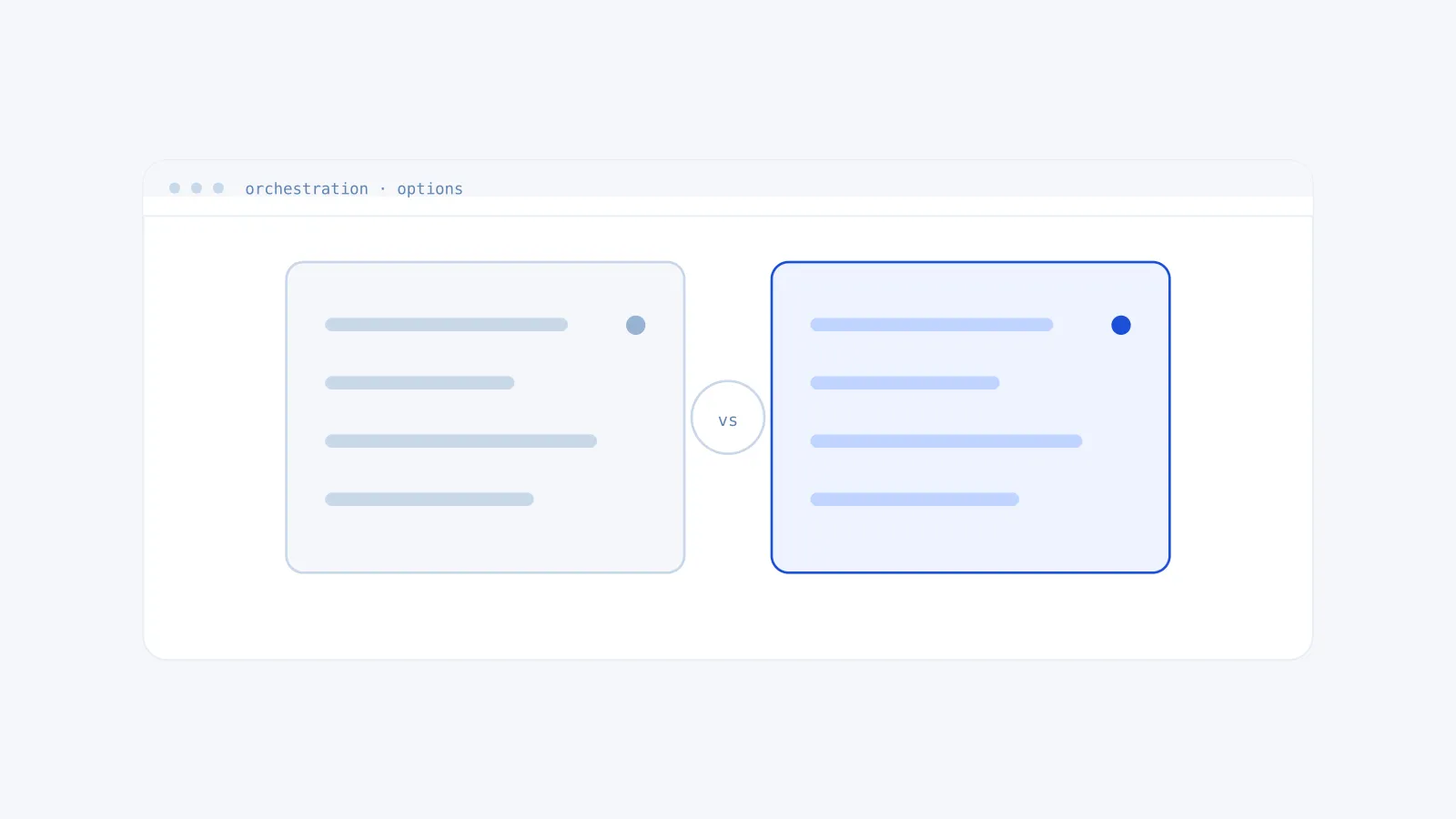
Containerisation has revolutionised application deployment and management, delivering unmatched scalability, portability, and efficiency. AWS offers two premier orchestration services - Elastic Container Service (ECS) and Elastic Kubernetes Service (EKS). While both address similar challenges, their architectures, complexity, and ideal use cases differ significantly.
1. What is AWS ECS?
Amazon Elastic Container Service is a fully managed container orchestration platform that natively integrates with AWS. It supports Docker containers and abstracts away Kubernetes control-plane management.
Key features:
- Managed infrastructure. AWS handles cluster operations, scaling, and patching.
- Deep AWS integration. Seamless with ALB/ELB, RDS, CloudWatch, IAM, Secrets Manager, and more.
- Serverless option. Run containers on Fargate without provisioning EC2 instances.
- Simplified model. Define task definitions, services, and clusters - no Kubernetes objects to learn.
Pros: rapid setup with a minimal learning curve, no per-cluster control-plane fees, and native AWS integrations that reduce latency.
Cons: tightly coupled to AWS APIs, and fewer low-level orchestration controls than Kubernetes.
2. What is AWS EKS?
Amazon Elastic Kubernetes Service is a managed Kubernetes service that automates control-plane operations while fully conforming to open-source Kubernetes standards.
Key features:
- Upstream compliance. Certified Kubernetes conformant.
- Multi-cloud and hybrid. Run identical manifests across AWS, Azure, GCP, or on-premises.
- Advanced orchestration. Supports custom resources, operators, service meshes (Istio), monitoring (Prometheus), and more.
- Managed node groups. Automates provisioning, upgrades, and scaling of worker nodes.
Pros: fine-grained control over scheduling, networking and CRDs; a vast open-source ecosystem; and both pod-level (HPA/VPA) and cluster-level autoscaling via Karpenter or Cluster Autoscaler.
Cons: a steeper learning curve, and higher cost - a control-plane fee plus EC2 and node charges.
3. Head-to-head comparison
| Criteria | ECS | EKS |
|---|---|---|
| Architecture | AWS-native (tasks, services) | Kubernetes-native (pods, nodes, namespaces) |
| Ease of use | Simple; minimal expertise required | Requires Kubernetes knowledge |
| Scalability | AWS Auto Scaling | HPA/VPA, Karpenter, Cluster Autoscaler |
| Integration | Native AWS services | Multi-cloud tools (Helm, Istio, Prometheus) |
| Cost | No control-plane fees | Per-cluster control-plane fee plus node costs |
| Portability | Limited to AWS | Portable across clouds and on-premises |
| Security | IAM roles for tasks | Kubernetes RBAC plus AWS IAM integration |
4. Who should choose ECS?
Ideal for:
- Startups and SMBs with small DevOps teams needing quick deployment without mastering Kubernetes
- AWS-centric workloads deeply tied to services like Lambda, S3 and DynamoDB
- Cost-conscious teams avoiding control-plane and operational overhead
- Simple microservices, such as monoliths breaking into basic services
Example use cases: a media startup running a serverless API backend on Fargate; an e-commerce site deploying seasonal promotional apps via ECS tasks.
5. Who should choose EKS?
Ideal for:
- Enterprise and regulated industries with complex multi-region, hybrid-cloud, or HIPAA/GDPR-driven workloads
- Multi-cloud strategies avoiding AWS lock-in by running identical Kubernetes manifests elsewhere
- Innovative technical teams leveraging service meshes, CRDs, or custom operators
Example use cases: a fintech firm running GPU-accelerated AI/ML pipelines on EKS node groups; a global SaaS platform using an Istio service mesh across ten or more clusters.
6. Cost analysis
ECS: you pay only for EC2 instances or Fargate usage, with zero control-plane fees.
EKS: a per-hour control-plane charge per cluster, plus EC2/node costs and add-ons for monitoring and logging.
For small-scale or AWS-only workloads, ECS with Fargate is usually more economical. For large, multi-cloud architectures, the portability of EKS often outweighs its control-plane cost. Check current AWS pricing before budgeting, as rates change.
7. Security and compliance
ECS provides task-level IAM roles, VPC isolation, and AWS Security Hub integration.
EKS provides Kubernetes RBAC, pod security standards, the AWS IAM Authenticator, and network policies.
EKS is often preferred in heavily regulated environments such as healthcare and finance, where fine-grained audit trails and policies are required.
8. Migration considerations
ECS to EKS is possible with tools like Kompose (Docker Compose to Kubernetes) but requires manifest refactoring.
EKS to ECS is less common, mainly undertaken when abandoning multi-cloud or Kubernetes entirely.
9. Field examples
A retail company migrated from on-premises VMs to ECS with Fargate, cutting deployment time by 60%. A healthcare company adopted EKS for HIPAA compliance and automated multi-region failover.
10. Final recommendations
Choose ECS if you need simple, fast, deeply AWS-integrated container management, or your team lacks extensive Kubernetes expertise.
Choose EKS if you require multi-cloud portability, advanced orchestration, or granular security controls, or your workloads demand Kubernetes-native flexibility.
Conclusion
ECS and EKS each shine in different contexts. ECS streamlines container operations for AWS-centric teams, while EKS empowers organisations with complex, portable, and highly regulated workloads. Evaluate your team’s skills, long-term cloud strategy, and application requirements to select the right service.
Not sure which fits? We can help you decide.