Data security: at rest vs. in transit
Encryption at rest is largely solved by default on AWS. The gaps we actually find are inside the VPC, and in who can decrypt.
By Hardik Kamdar
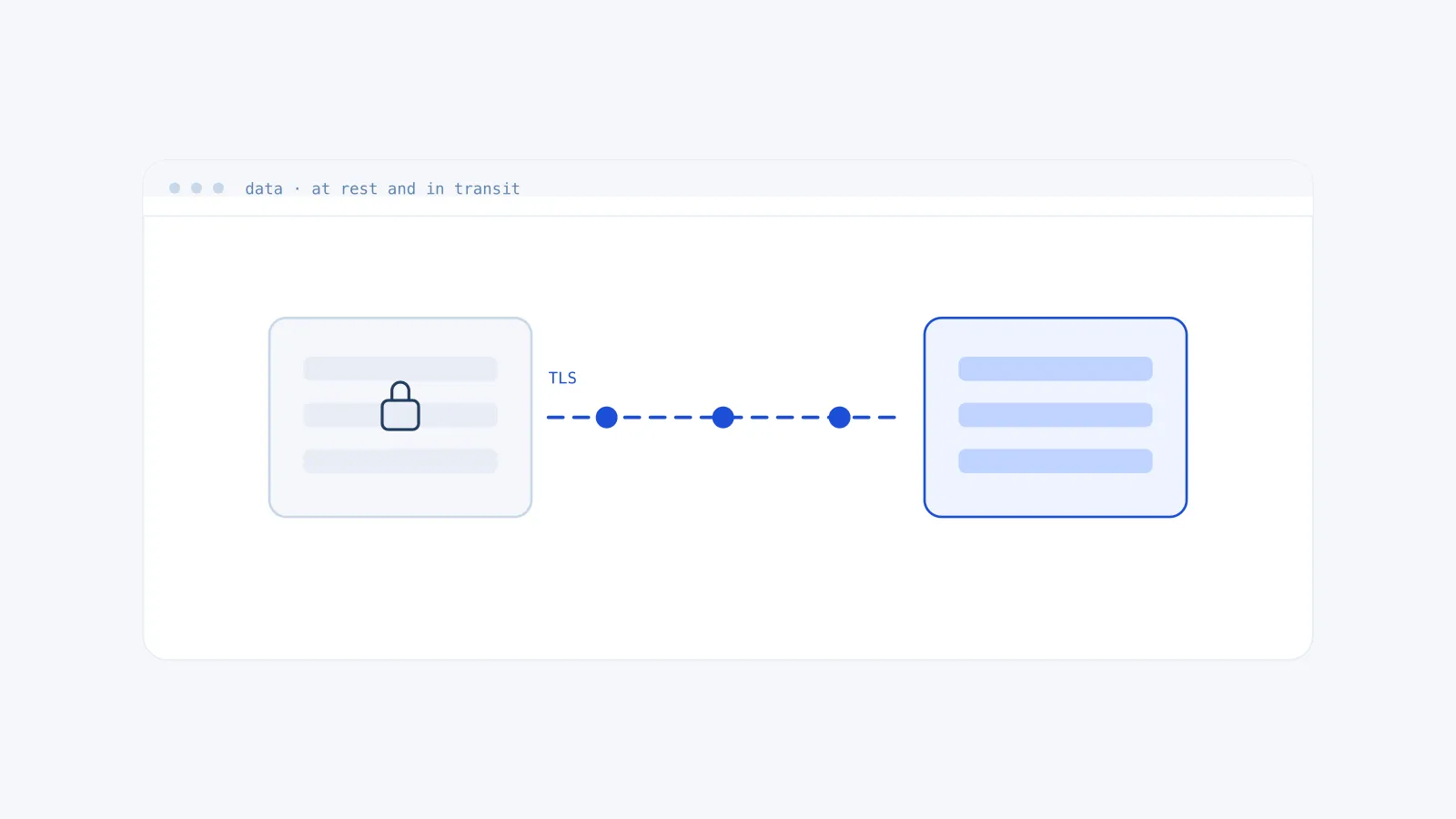
The distinction between data at rest and data in transit is the first thing any compliance questionnaire asks about, and it produces a predictable answer: yes, we encrypt both. That answer is usually true and usually not very interesting, because on AWS the at-rest half has quietly become the default and the in-transit half is rarely where the exposure is.
The questions worth asking are narrower. Which traffic is unencrypted inside your own network, and who can decrypt the things you have encrypted.
At rest is mostly handled, and that is the problem
New EBS volumes can be encrypted by default with an account setting. S3 has encrypted new objects by default since 2023. RDS encrypts at creation if you tick the box, DynamoDB encrypts always. Turning these on is a morning’s work, and most accounts we assess have done it.
What that leaves is the long tail, which no default reaches:
Volumes and snapshots created before the default was enabled. The setting applies going forward. It does not retroactively encrypt anything, and an unencrypted volume cannot be encrypted in place. It has to be snapshotted, copied with encryption, and restored, which means a maintenance window nobody schedules. We routinely find volumes from 2019 sitting unencrypted next to compliant ones created last month.
Snapshots shared or made public. A snapshot of an encrypted volume inherits its encryption. A snapshot of an unencrypted one does not, and the sharing controls are separate from the encryption controls. This is the finding that turns up in almost every audit and surprises people every time.
Backups in a different account. Cross-account backup copies need the key policy to permit the destination account. Teams grant that once, correctly, and then nobody revisits whether the destination account still needs it.
In transit is where the actual gaps are
Everyone terminates TLS at the load balancer. Far fewer encrypt what happens behind it.
Traffic between an ALB and its targets, between an application and its database, between services in different subnets: none of this is encrypted unless you configure it. The usual reasoning is that it never leaves the VPC, so it is fine. That reasoning treats the VPC as a trust boundary, which it is not. Anything with a network interface in that VPC can see the traffic, and a compromised container in one subnet is a considerably more common starting point than an attacker on the public internet.
The three that matter in practice:
Database connections. RDS supports TLS on every engine and most applications connect without it because the driver does not require it. Enforce it at the parameter group so the database refuses unencrypted connections, rather than trusting each client to opt in.
Load balancer to target. Terminating TLS at the ALB and forwarding plaintext to the instances is the default pattern in most tutorials. Re-encrypting to the target costs a certificate and some latency.
Anything crossing an availability zone. It leaves the physical building. Whether that matters depends on your threat model, but it is worth deciding deliberately rather than by omission.
Who can decrypt is the question underneath both
Encryption is a statement about who holds the key, and on AWS that is a policy document rather than a cryptographic property.
An S3 bucket encrypted with SSE-S3 is encrypted against someone who steals a disk in an AWS data centre. It is not encrypted against anyone in your account with s3:GetObject, because AWS decrypts transparently on read. If the threat you are actually managing is an over-permissioned IAM role, SSE-S3 does nothing about it and the compliance checkbox is still green.
SSE-KMS with a customer managed key changes that, because access now requires permission on the key as well as on the bucket, and every decrypt is logged in CloudTrail with the principal that requested it. That log is what turns encryption from an assertion into something you can audit after an incident.
This is the distinction we look for when assessing an account: not whether encryption is enabled, but whether the key policy is narrower than the resource policy. If everyone who can read the object can also use the key, the encryption is protecting AWS from a stolen disk and protecting you from very little.
What we check first
Default encryption enabled at the account level for EBS. Any volume or snapshot predating it. Snapshot sharing settings. RDS forcing TLS at the parameter group. Whether customer managed keys exist at all, and if so whether their policies name principals or grant to the account root.
That last one is the most common single finding. A key policy granting kms:Decrypt to the account root delegates the decision to IAM, which means the key adds logging but no additional control. Sometimes that is a deliberate trade. More often nobody knew there was a choice.
If you want that assessment run against your own account, the free audit covers all of it read-only, or get in touch and we will go through the findings with you.